How to Build a WordPress Duplicate Post Plugin Using Claude Code

Two prompts. A working plugin. Here’s exactly what I typed, what came back, and whether I’d do it again.

I’ve been curious about AI coding tools for a while — not in a “let’s replace developers” way, but in a practical sense. Can they actually save time on real projects? Or do you spend more time fixing the output than you would have spent writing it yourself?

So I picked a real project I needed done anyway — a WordPress plugin that adds a one-click “Duplicate” button to posts and pages — and I built the whole thing using Claude Code. No starter code, no templates. I just described what I wanted and watched what happened.

Here’s the full breakdown: the prompts I used, the code that came out, and what I actually think of the experience.

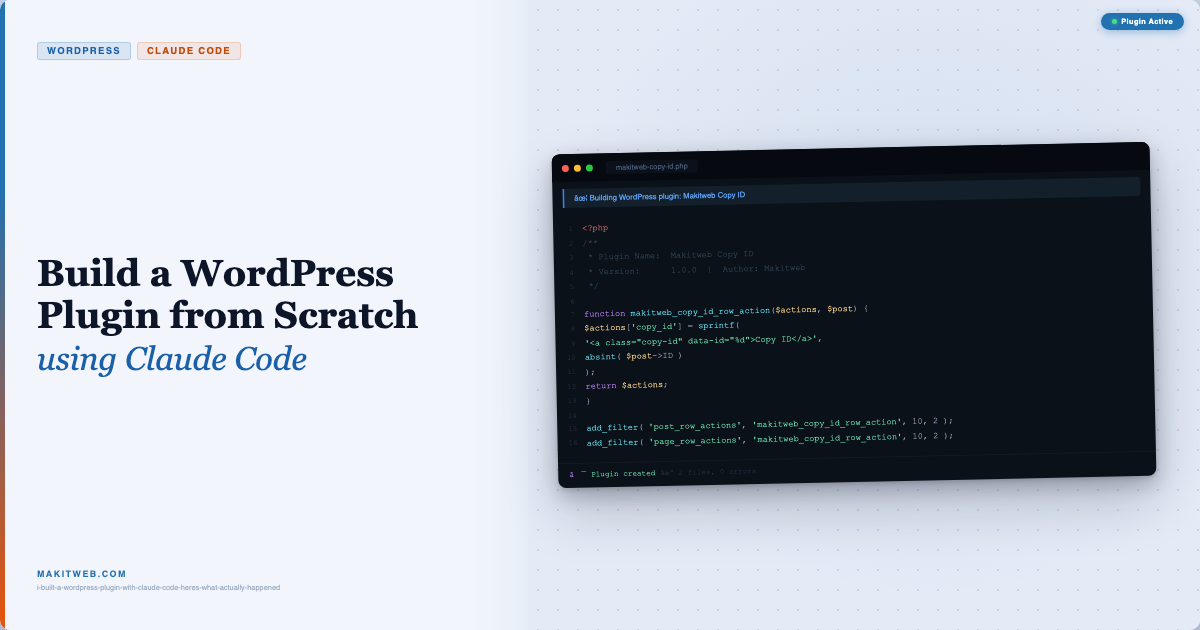
How to Build a WordPress Duplicate Post Plugin Using Claude Code

Read more

I Built a WordPress Plugin with Claude Code – Here’s What Actually Happened

Copying a post ID in WordPress means opening the editor, looking at the URL, and picking the number out of ?post=. It works. It’s also mildly annoying every single time you do it.

So I built a plugin that puts a Copy ID button directly in the Posts and Pages list. One click — ID is in your clipboard. And I built the whole thing using Claude Code, start to finish.

Here’s exactly how it went, including the prompts I used.

Read more

Import CSV file to MySQL from custom plugin in WordPress

CSV is a widely used format for data dump and bulk data uploading to the database like product details, user data, etc.

The file is consists of one or more fields in a row.

Inserting records one by one is time-consuming and if you already have data available in CSV format then you can import it with the help of PHP script.

In this tutorial, I show how you can import CSV file in your MySQL database from custom plugin in WordPress.

Import CSV file to MySQL from custom plugin in WordPress

Read more

How to Send AJAX request from Plugin in WordPress

Plugin is used to add features to the site without modifying the core code.

While building plugin you can also use AJAX to save the form after submit, retrieve data from MySQL database, file upload, etc.

In the plugin, AJAX is implemented as same as implemented on the theme.

In this tutorial, I show how you can create a custom plugin and send an AJAX request in WordPress.

Read more